
One time, in your browser
Install the extension
A browser installs an extension when you tell it to. Four steps, once; updates arrive on their own afterwards.
- 1
Download the latest release
The release carries a chrome zip and a firefox zip; each holds the whole extension: a manifest, one background script, four icons.
- 2
Unpack it somewhere you will keep
A folder under your home directory is fine. Chrome reads it on every start, so keep it.
- 3
Open chrome://extensions and switch on Developer mode
The toggle is in the top-right corner.
- 4
Press Load unpacked and pick that folder
The card appears with its switch already on. Pin it from the puzzle-piece menu if you want it on the toolbar.
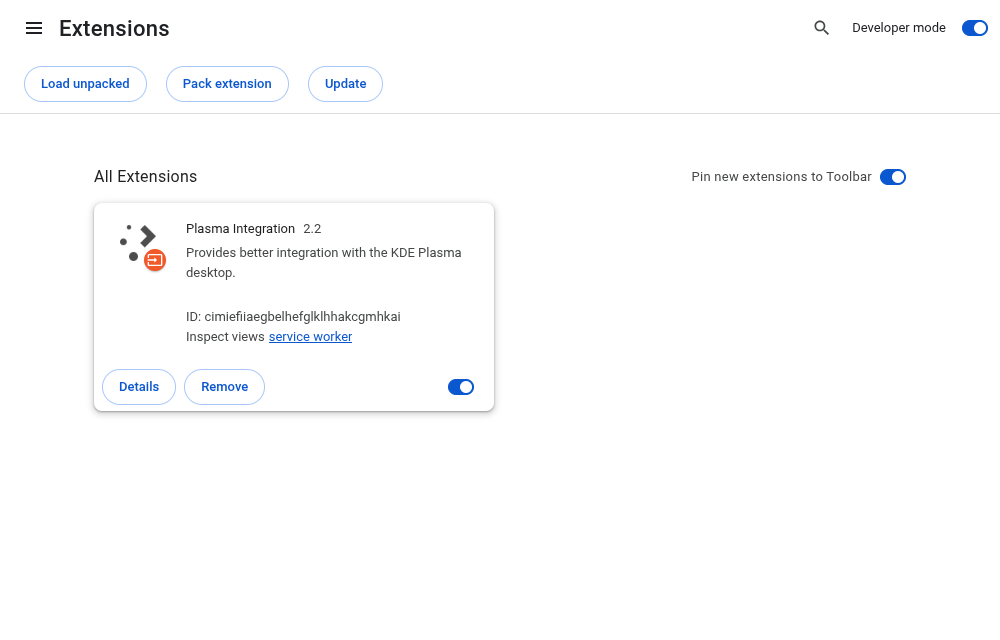
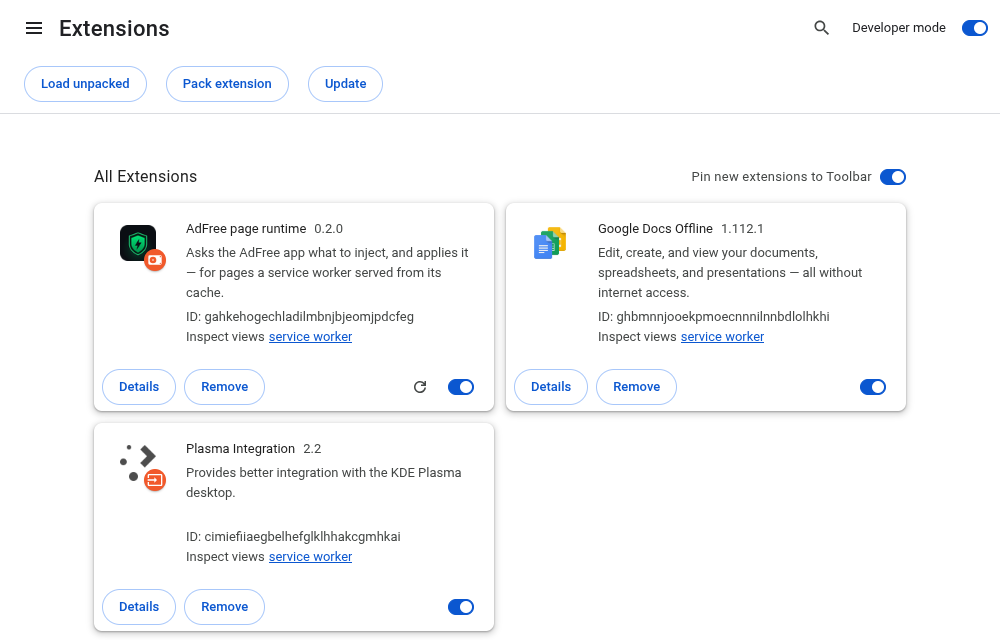
Chrome, Edge, Brave, Opera and Vivaldi take the chrome zip. Firefox loads manifest.json from the firefox zip in about:debugging, and keeps it until Firefox closes. Screenshots are Chrome.
Back to the site